
Built around how you
really look after your car
Everything you log in the app is on the web too, and the other way round. Here’s what it does, and how, in the app itself.

Your garage
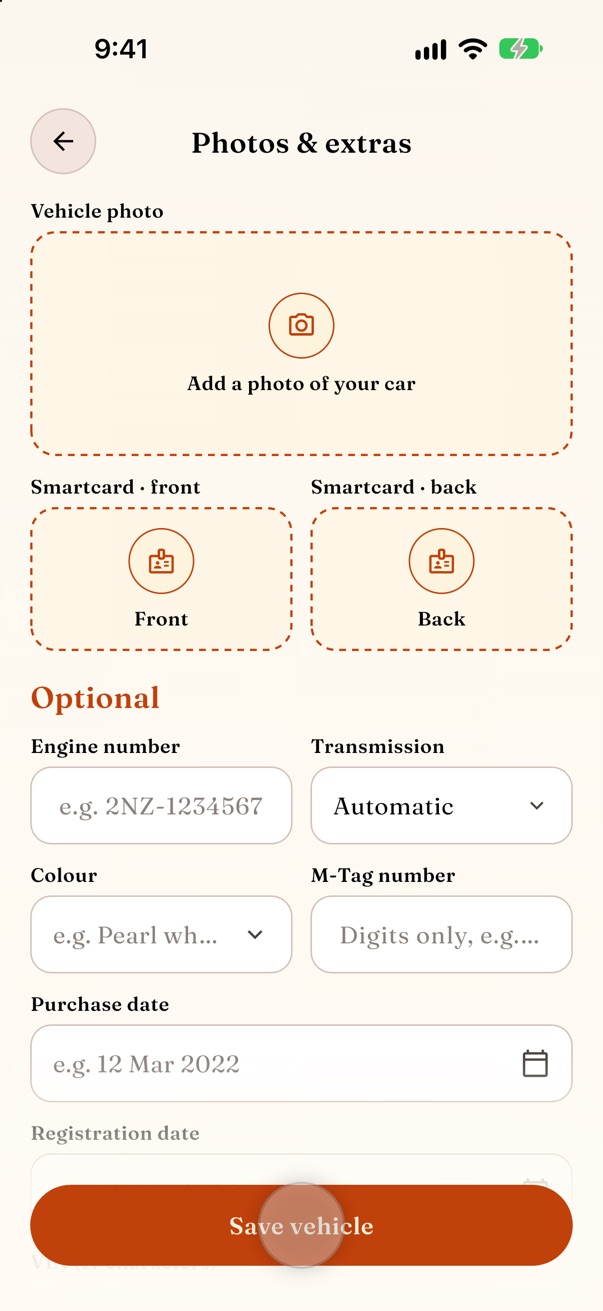
Start with your first car or bike. Type in the make, model and plate, or scan the registration book and let RydeMinder fill it in.
- Cars and bikes
- Scan the registration book
- Odometer from day one
- 1Tap Add vehicle
- 2Scan the registration book, or type it in
- 3Add today’s odometer reading

Services & maintenance
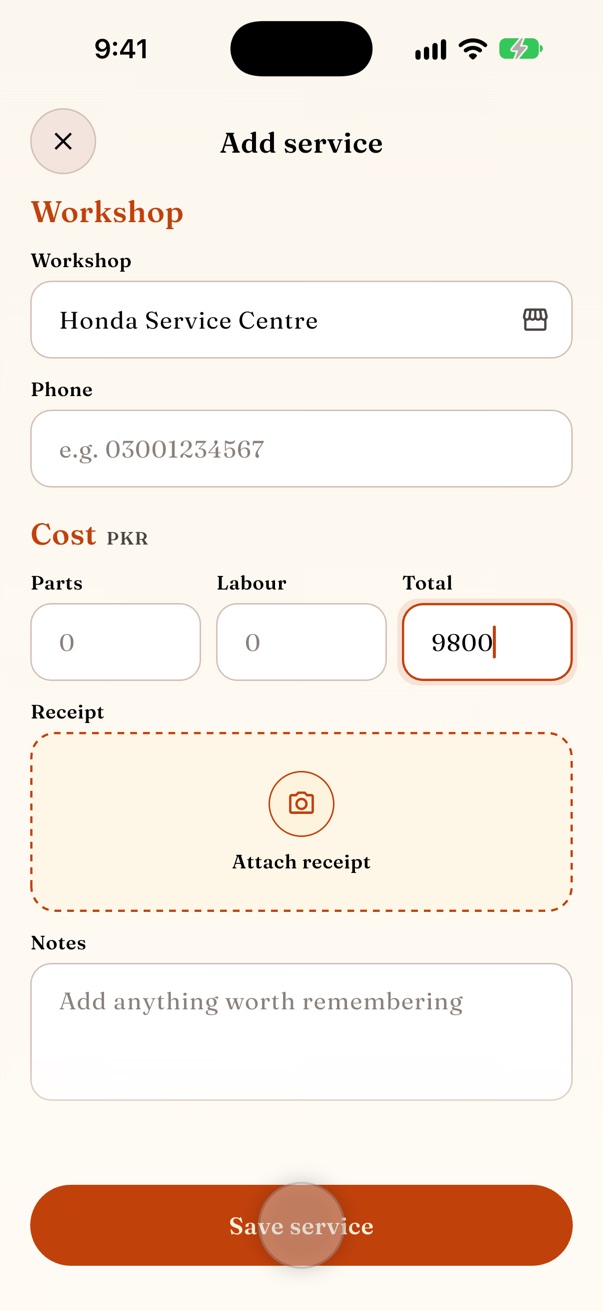
Log every visit with parts, labour, workshop and receipt photos. Add past services so the history is complete from day one.
- Service types and custom items
- Workshops with location and contact
- Past services in a minute
- 1Tap + and choose Service
- 2Pick the service and parts
- 3Add the workshop, cost and receipt

Fuel & economy
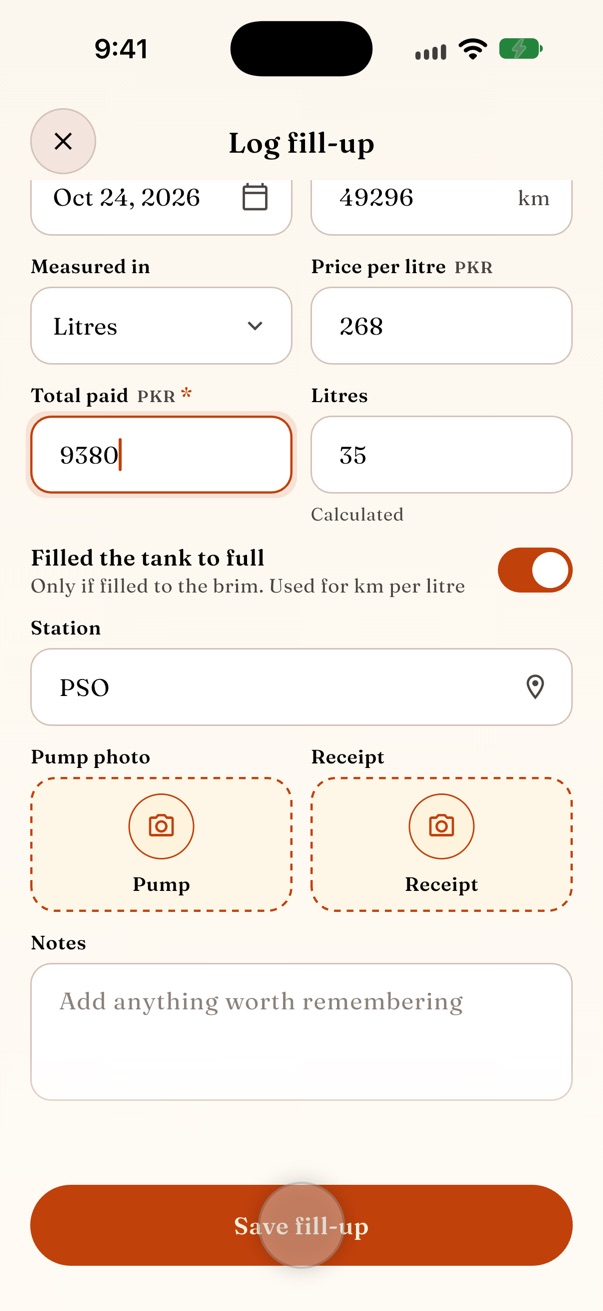
A fill-up takes ten seconds. RydeMinder works out real km per litre from full tanks and tracks cost per km.
- Full and partial tanks
- km/L, L/100km or MPG
- Cost per km
- 1Tap + and choose Fuel
- 2Enter the litres and the amount
- 3Mark it a full tank

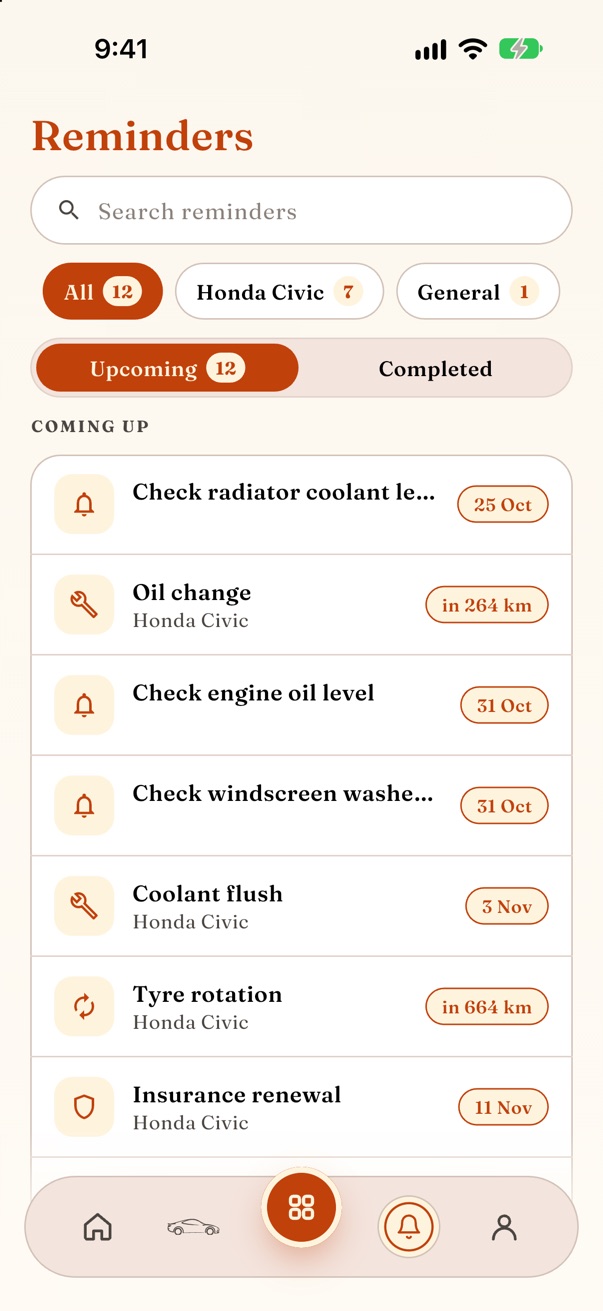
Reminders
Oil, tuning, coolant, tyres, insurance and token tax. Get reminded by date or by kilometres, before anything is due.
- By date or by odometer
- Repeats after every service
- Overdue and upcoming at a glance
- 1Choose what’s due
- 2By date, by km, or both
- 3Get notified before it’s due
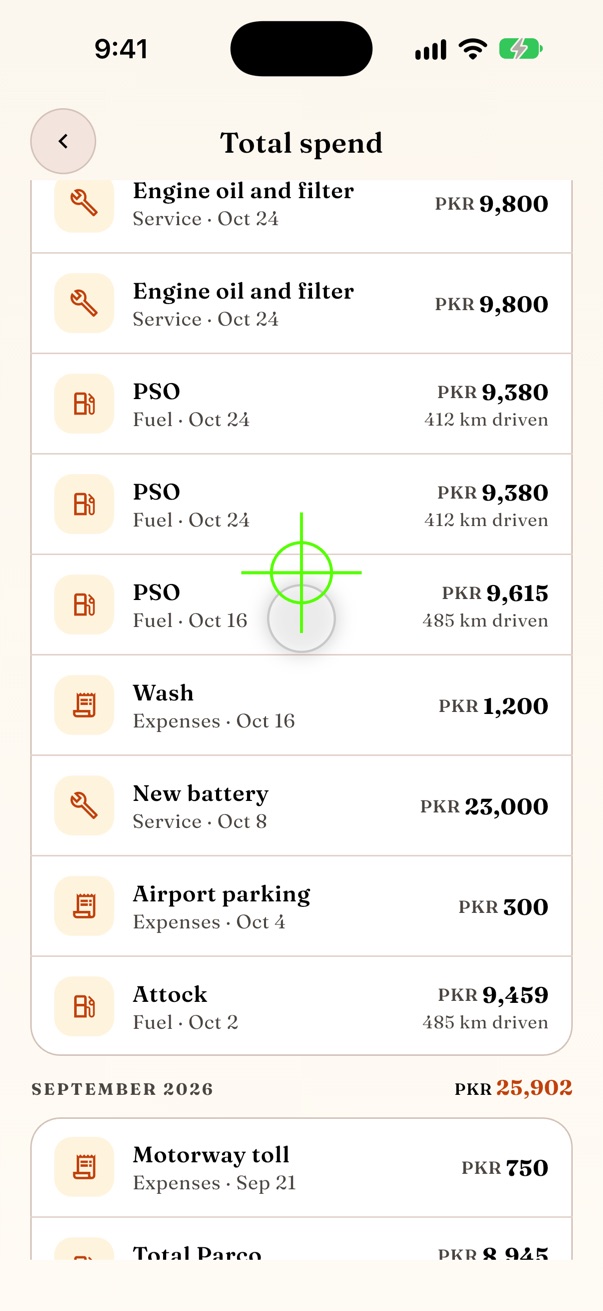
Spend & insights
Monthly and total spend for each vehicle or the whole garage, split by category, so you know where the money goes.
- Monthly and per vehicle
- Expense categories
- Cost per km over time
- 1Open Spend
- 2Switch vehicles or months
- 3See it split by category

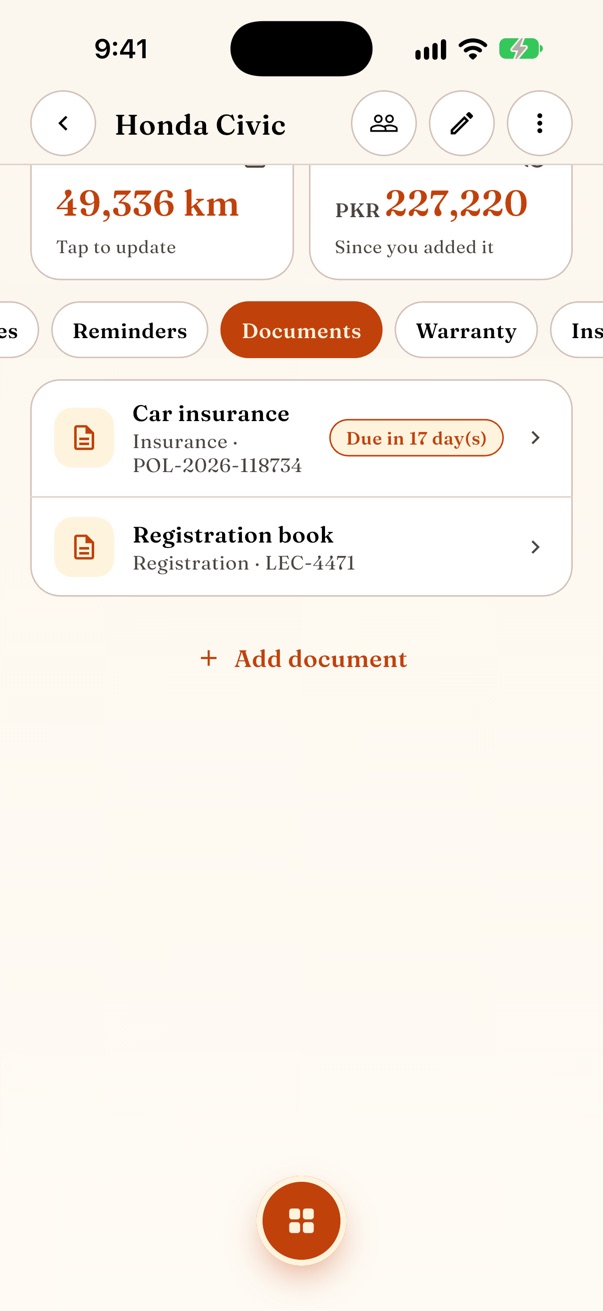
Documents & expiry
Registration book, insurance, token tax and licence, with expiry dates that turn into reminders.
- Photos of every page
- Expiry reminders
- Find any paper in seconds
- 1Open Documents on a vehicle
- 2Photograph each page
- 3Add the expiry date

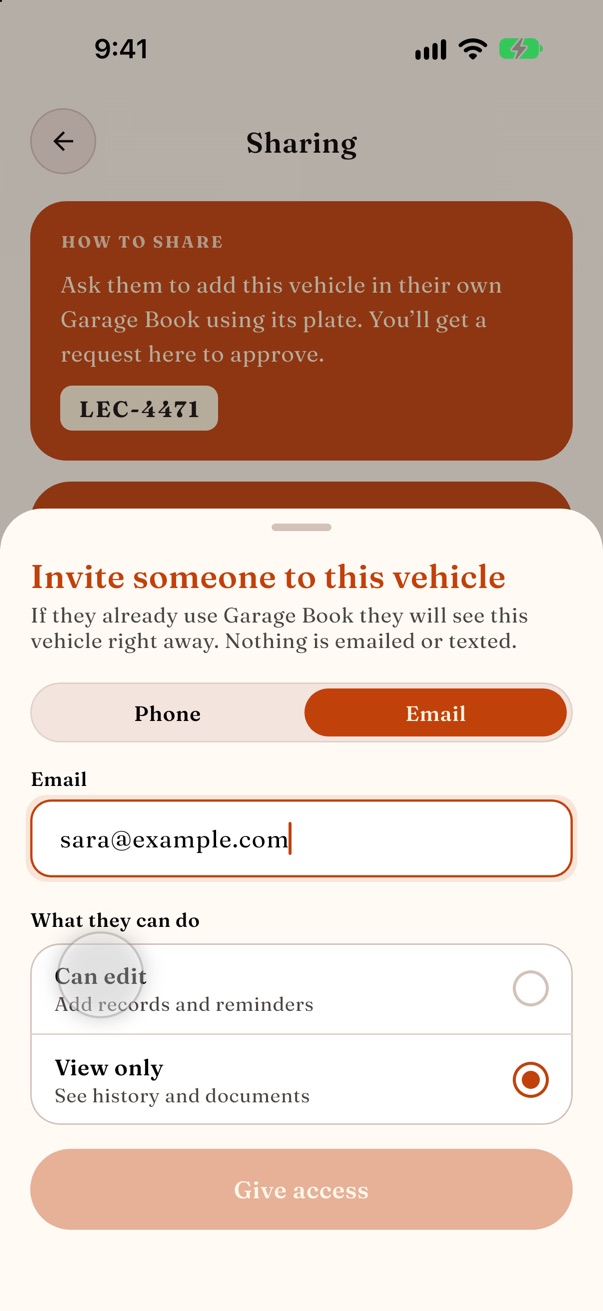
Family sharing
Invite family as editors or viewers. Everyone sees the same history and nobody double-logs a fill-up.
- Invite with a link
- Owner, editor and viewer roles
- Requests to join
- 1Open Sharing on a vehicle
- 2Send the invite link
- 3Choose editor or viewer

PDF & CSV reports
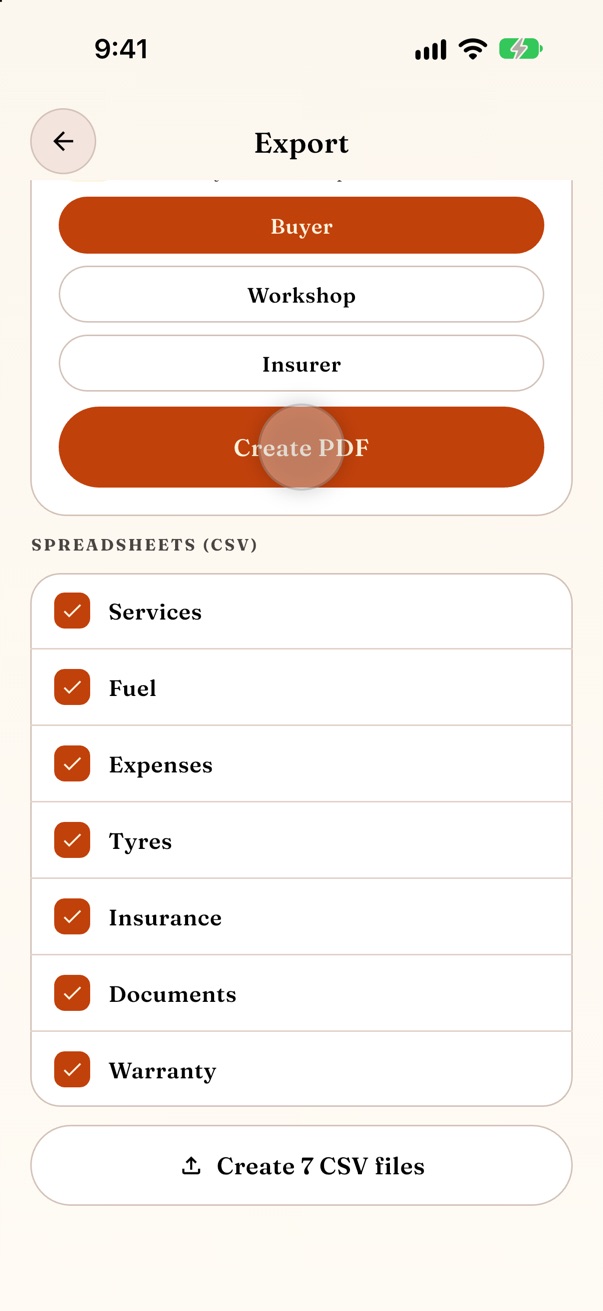
A clean report of every service, fill-up and expense. Hand it to a buyer and show the car was looked after.
- PDF for buyers and workshops
- CSV for spreadsheets
- Any vehicle, any date range
- 1Open Export
- 2Choose who it’s for: a buyer, workshop or insurer
- 3Create a PDF or CSV
The small things that add up
Start with one vehicle, free
Go Premium when your garage grows.